

ONLY WORK FOR QBCORE
# HOW IT WORK ?:
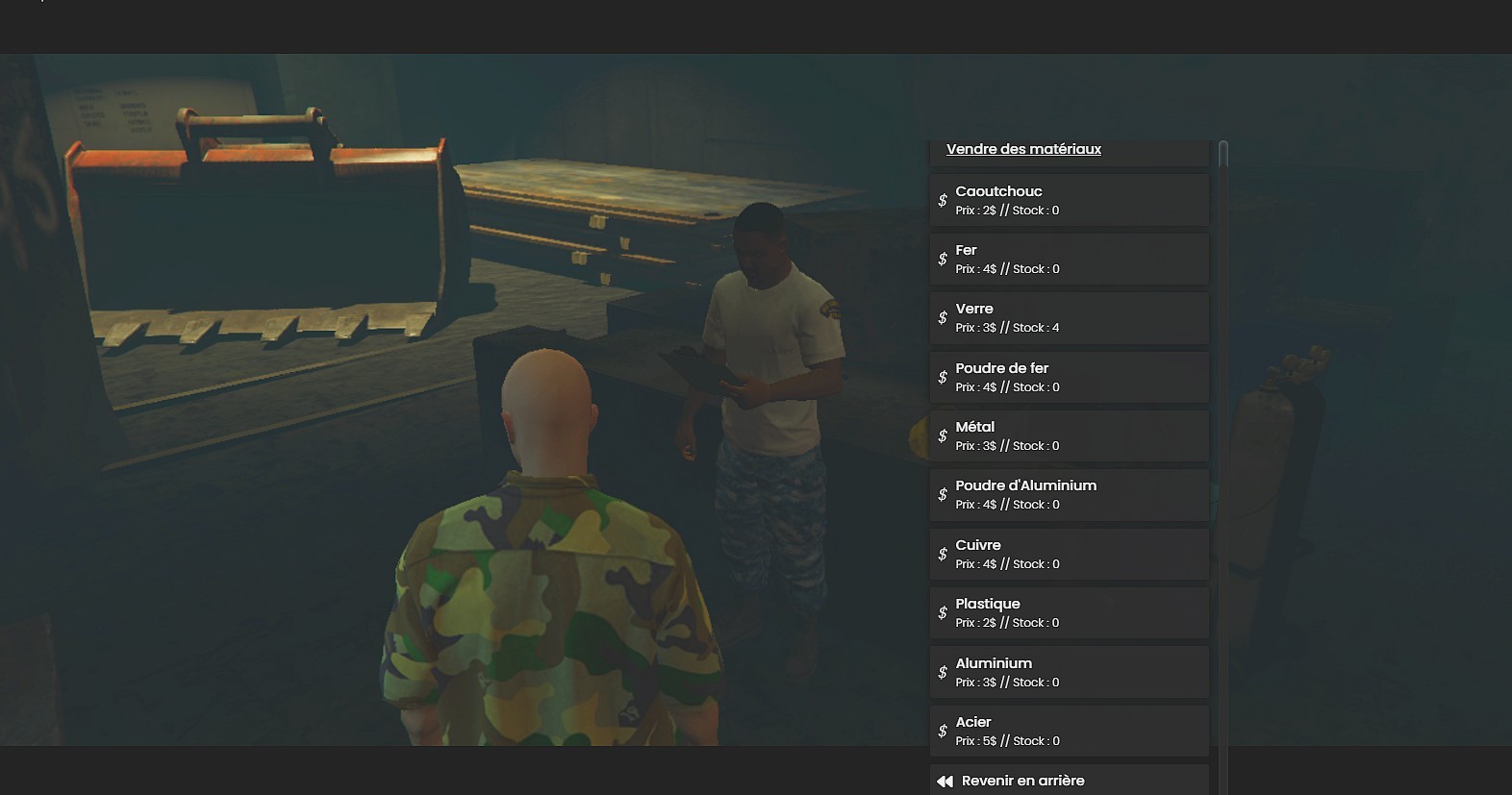
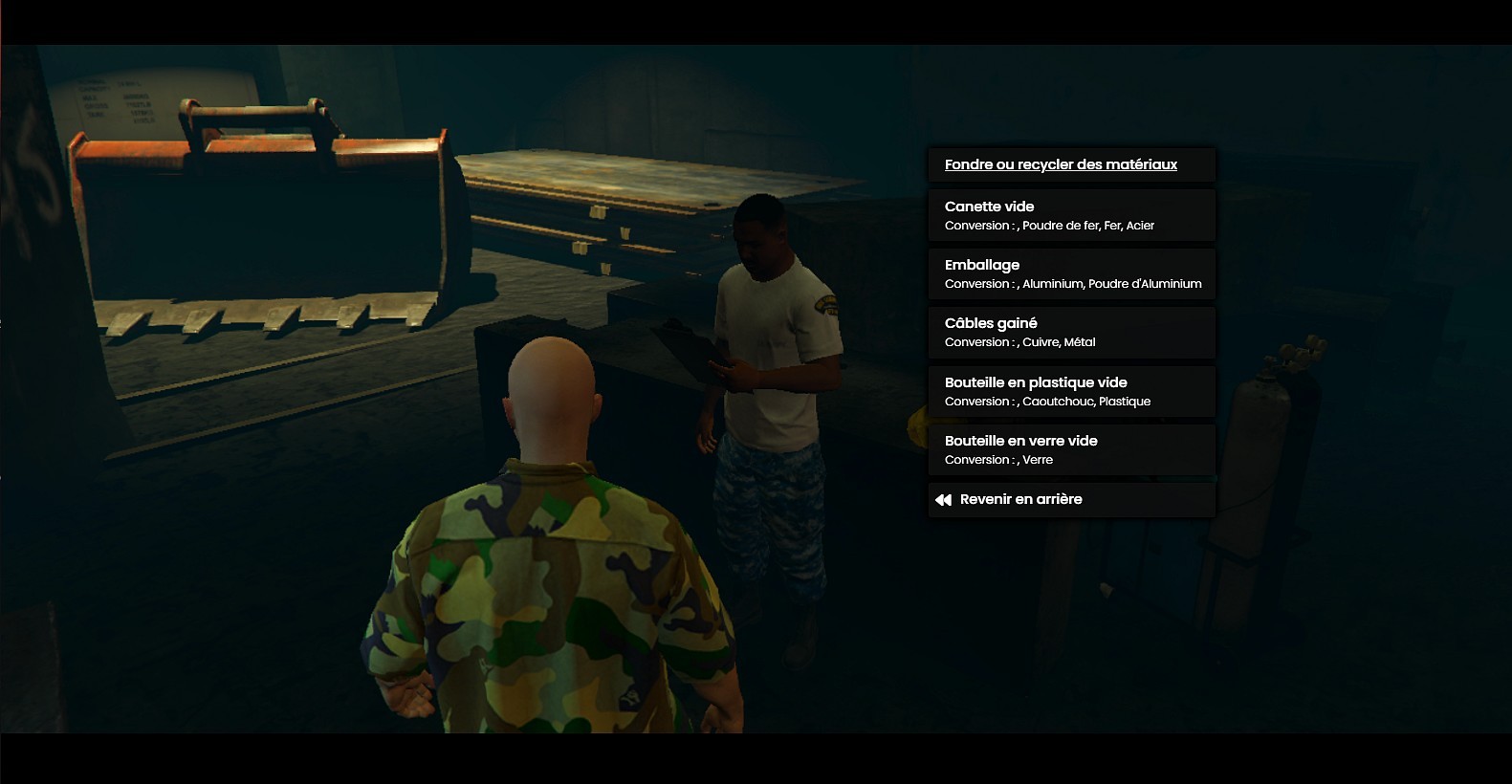
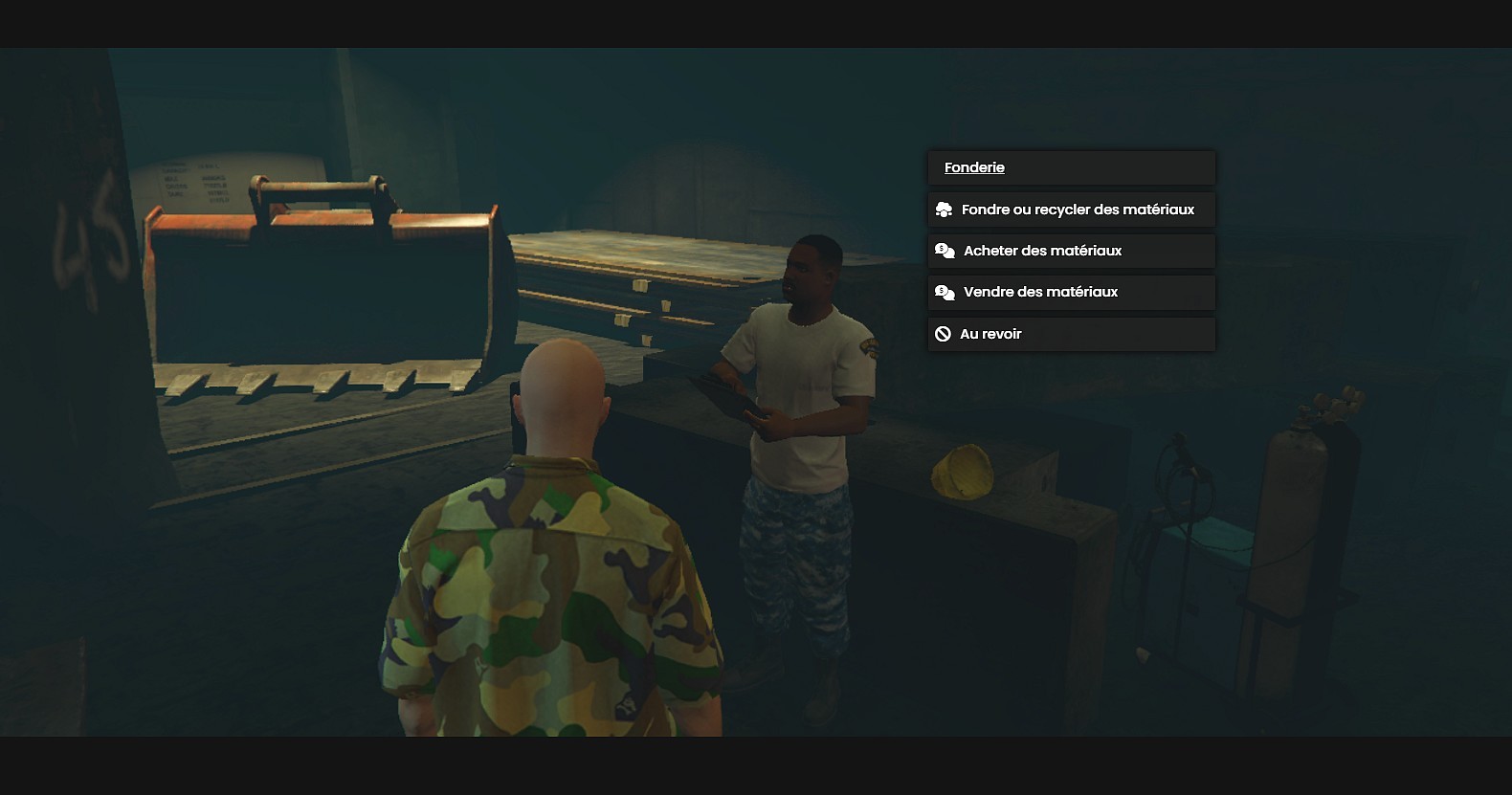
Players can go to the foundry to melt/convert their trash materials to raw materials ! It Also allow them to trade indirectly with other players via the PNJ. You can sell/Buy raw materials to the PNJ, all stocks are saved in the database and everything is configurable You can also define the price at wich the PNJ will buy/sell items, and even if players are allowed to see the menu options ! English traduction included
# INSTALLATION SETTINGS
1 - Open the 'ITEMSTOCREATE' folder inside v-recyclescraps
2 - Ensure that you have all the items of the 'items.lua' file in your qb-core\shared\items.lua
3 - Ensure that you have all the items of the 'images' folder in your qb-inventory\html\images
4 - Go back to the v-recyclescraps folder and open the 'foundry_items.sql' file
5 - Copy/Paste all the content of this file in your sql Database, in order to create the 'foundry_items' table
6 - Go to your server.cfg file and ensure the 'v-recyclescraps' folder after all the other ressources
# LANGUAGE SETTINGS
7-> If you want to switch the language of the resource to english, then go to the 'fxmanifest.lua' file and change 'locales/fr.lua' to 'locales/en.lua'
8-> If you want to create your own translation, go to the'locales' folder and duplicate 'en.lua' to another language file. Then translate variables inside and declare the new file in the 'fxmanifest.lua'